
Highlander Prep Student Onboarding Course Availability
Overview
This article covers when you can log into Brightspace to take the Highlander Prep course. The Highlander Prep student onboarding class in Brightspace helps new students get started with online tools and resources at MCC.
Getting Started
Access to Brightspace and this class is added on a set schedule, so it not immediately available after acceptance.
When Account is Created and Access Is Granted
Access to log into Brightspace and enrollment in the Highlander Prep student onboarding class is processed weekly based on your acceptance date.
- New student Brightspace accounts are created and enrollment into the class occurs on the Wednesday after acceptance.
- If accepted on a Wednesday, access may not be able to log into Brightspace or see the course until the following Wednesday.
- Log in to Brightspace after the expected enrollment date to check for the class.
Cannot Log In or Class is Missing
If you are unable to log into Brightspace or the class is still not visible after the expected enrollment timeframe, additional action may be required.
- Confirm that it has been at least one full Wednesday since your acceptance date.
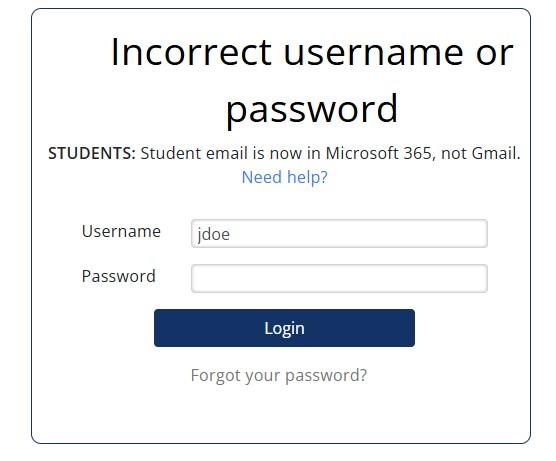
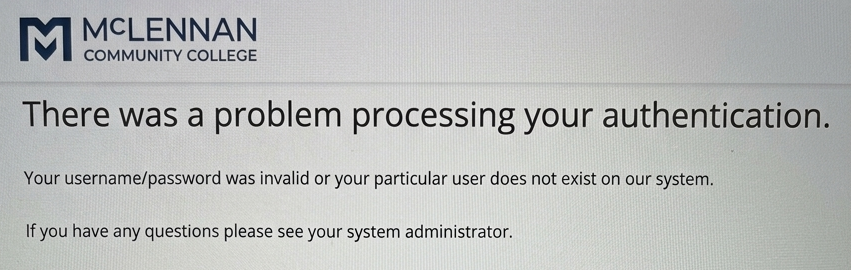
- Check what authentication error you get:
- If you get an Incorrect username or password error, change your password using the instructions in the article, Manage Your Password (Create, Reset, or Change) and continue to step 3.
- If you get a There was a problem processing your authentication error, please email online@mclennan.edu for assistance. Once you get a reply that the issue is resolved, continue to step 3.
- If you get an Incorrect username or password error, change your password using the instructions in the article, Manage Your Password (Create, Reset, or Change) and continue to step 3.
- Try to log into Brightspace again and check your Brightspace dashboard and course list carefully.
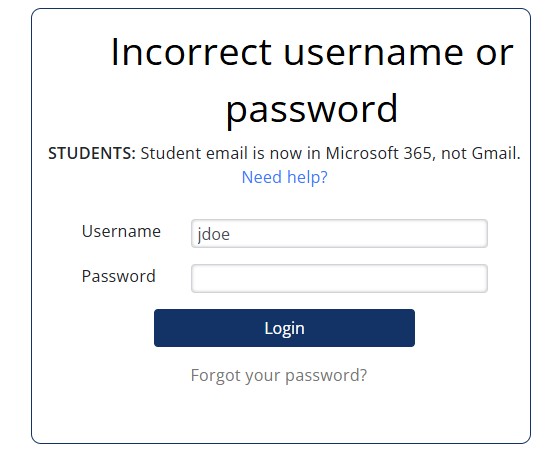
- If you are unable to log into Brightspace and get the Incorrect username or password error (see image above in step 2), contact Tech Support for assistance.
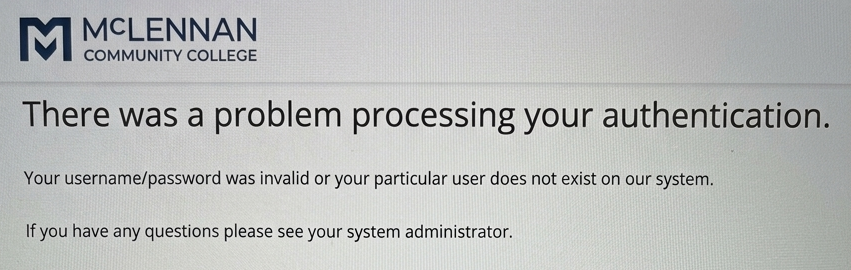
- If you get the There was a problem processing your authentication error (see image above step 3), mail online@mclennan.edu for assistance.
- If the class is still missing, email online@mclennan.edu for assistance.
Additional Details
- Enrollment updates occur once per week, so delays are usually due to timing.
- Access to Brightspace and the Highlander Prep course are not immediately available after acceptance.